Everything your journal does, in one panel
Submission, blind review, typesetting, issue publishing, Crossref DOI registration and index compliance. A journal management system that runs on your own domain and your own server.
- Installed on your own domain
- No limit on users
- Your archive is migrated
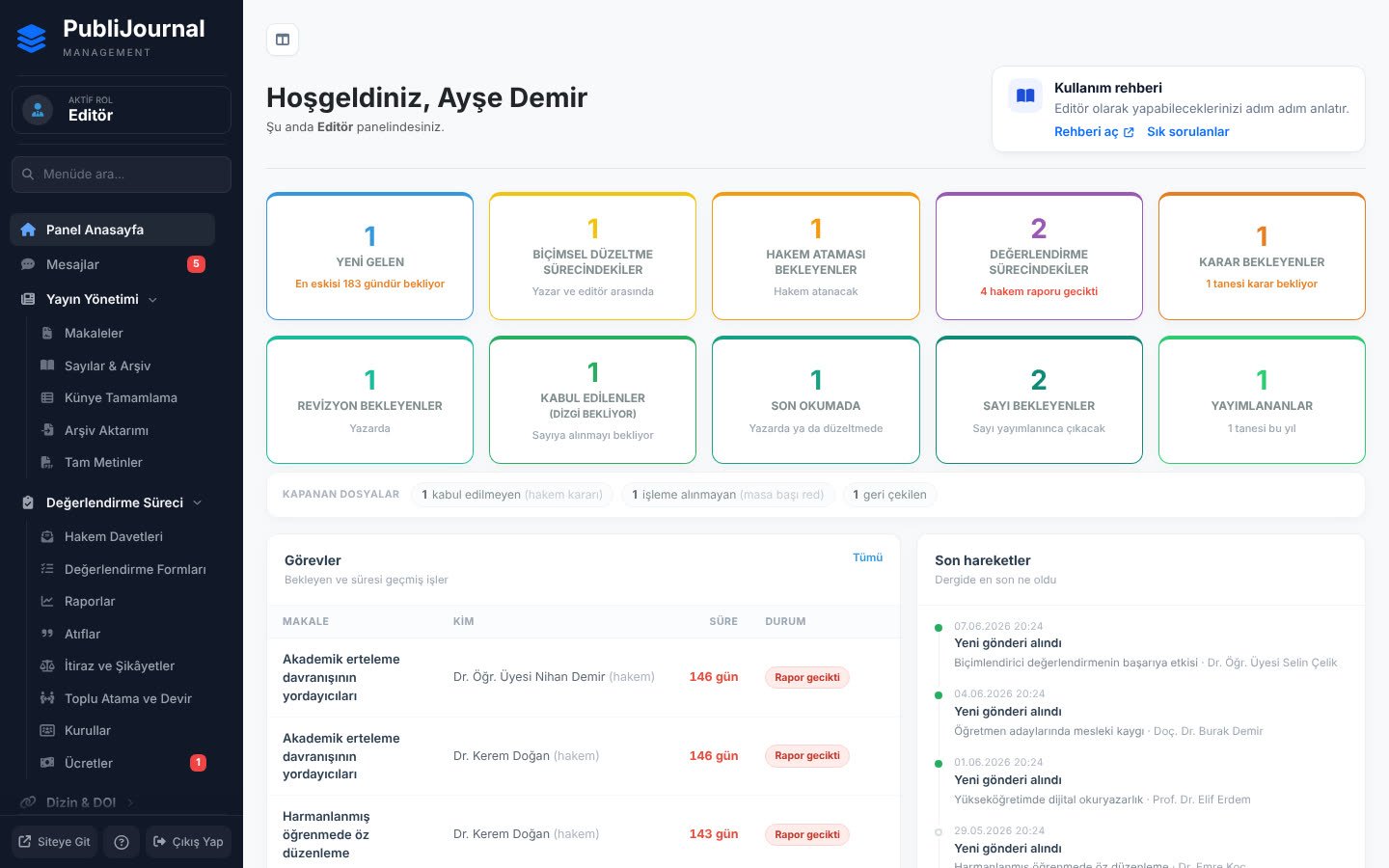
Less work for editors, more order for the journal
We built it together with journal editors, looking at the work they repeat for every issue.
-
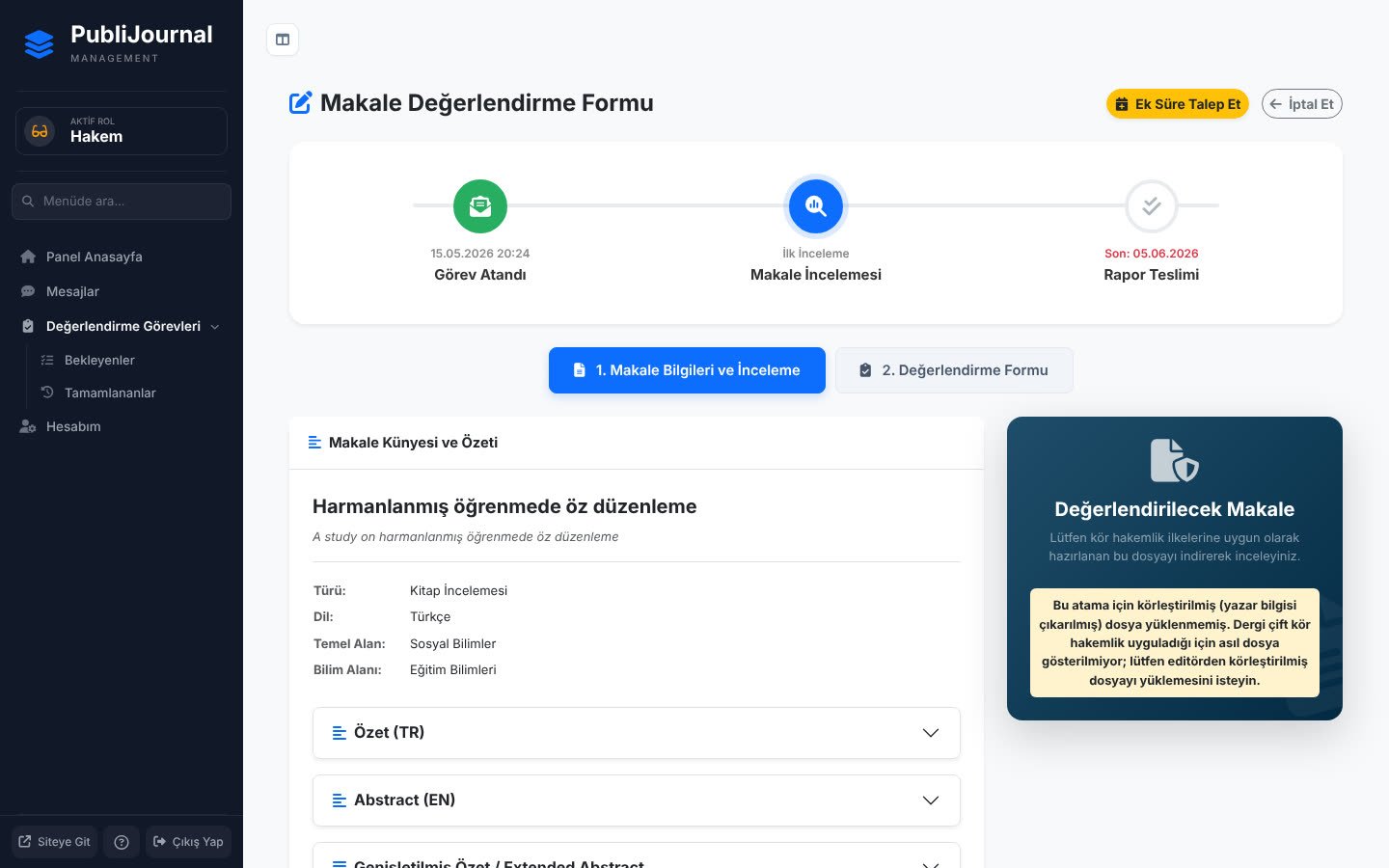
Blind review really stays blind
Names, e-mail addresses, affiliations and acknowledgements in the Word file are found and removed once you approve, before it reaches a reviewer.
-
The system builds the PDF
Cover, masthead, running header and page numbers are set with one of eleven layout templates.
-
Late reviewers get reminded
Reminders go out before the deadline, on the day and after it; if there is still no reply, the article's editor is told.
-
Every decision stays on record
Who was invited when, who decided what, which file arrived at what time. Editors change; the history does not disappear.
Every article's status at a glance
The article page brings together the progress bar, files, review rounds and the decision form. You always see what is pending and who has it.
- Pre-review checklist and duplicate submission warning
- Reviewer assignment, deadline extensions and one-click reminders
- Revision rounds and a diff of changed article details

Your published articles show up complete in indexes
A published article enters the Crossref queue automatically. References, ORCID, ROR, licence and funding go into the deposit; DOAJ and OAI-PMH output come ready.
- One-click DOI with a check for missing fields before deposit
- Scans for the fields TR Dizin and DOAJ ask for
- JATS XML, BibTeX and RIS export

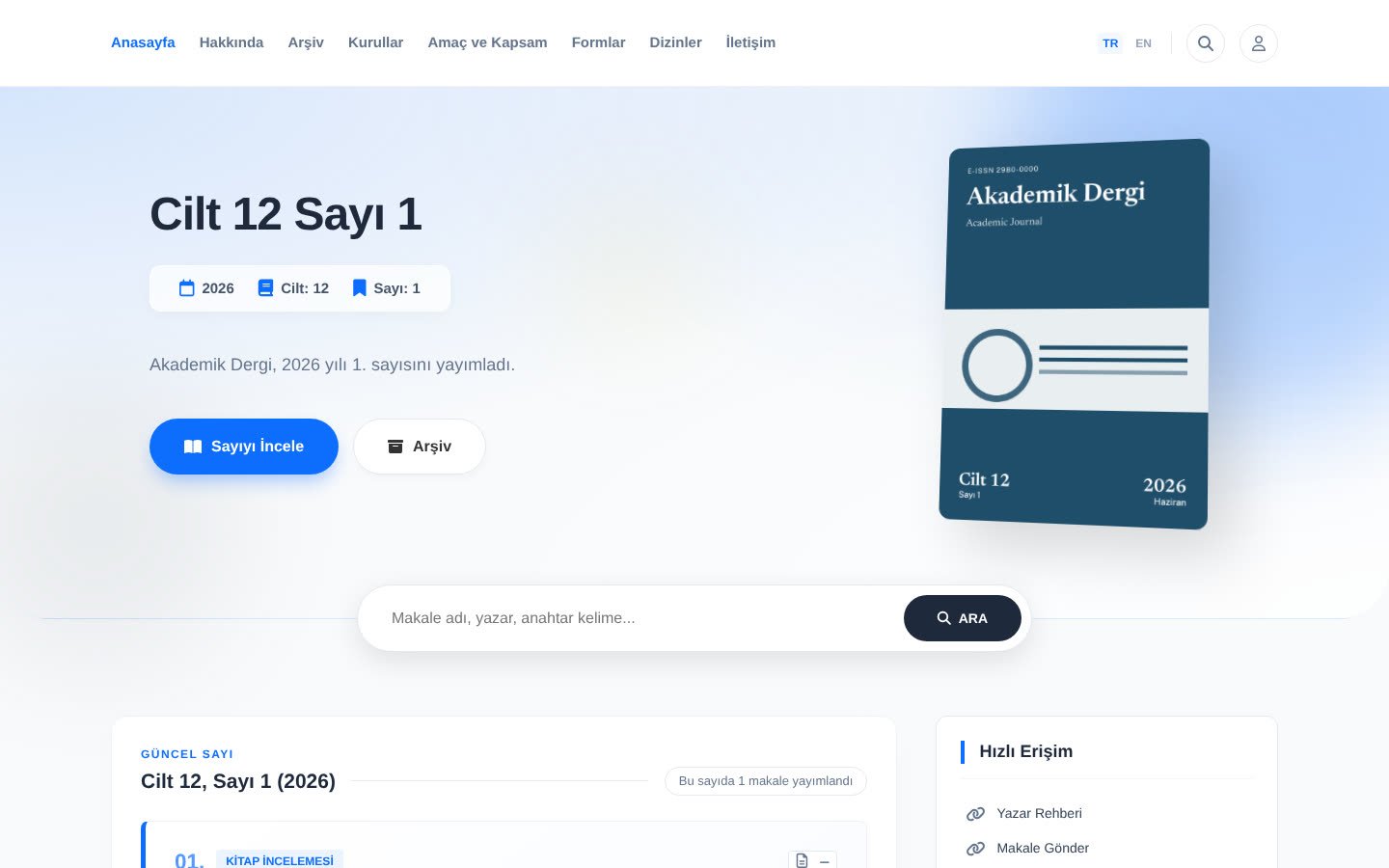
The site your readers see is part of it too
Current issue, archive, article pages, citation text and boards. It takes your journal's colours and logo, and works just as well on a phone.
- Metadata tags that Google Scholar reads
- Old site addresses redirect to the new pages
- View, download and citation counts
And much more
- Eight user roles
- Section and specialist editors
- Review forms
- Reviewer certificates
- Early view and continuous publishing
- Embargo and retraction
- Author charges and payments
- Workflow reports
- Two-step sign-in
- Personal data requests (KVKK)
- Board and forms pages
- One-click updates from the panel
Speaks the language of indexes and identifier services
- TR Dizin
- DOAJ
- Crossref
- ORCID
- ROR
- OAI-PMH
- JATS XML
- COPE
Four steps from request to first issue
Without archive migration, setup usually takes a few days.
Request a setupRequest
You fill in the form; we get back to you within two working days to talk about what you need.
Setup
We install it on your domain and hosting and set up your journal's details and look.
Archive migration
We move your back issues from a spreadsheet or your current site; old addresses keep working.
Going live
We walk your editors through the system and get it ready to accept the first submission.
Three plans for what you actually need
The first year is a setup fee, later years are renewal only. The journal website and the review workflow can also be bought separately.
WebJournal
Journal websiteFor journals that handle manuscripts in another system but want a modern site that indexes read correctly.
- Journal site, boards, policy pages
- Volume, issue and archive management
- Index check, Crossref DOI
- OAI-PMH, DOAJ XML, citation export
- Manuscript submission and peer review
PubliJournal
Website and the full workflowJournal site, accounts, submission, peer review, typesetting, publishing and DOI in one package.
- Everything in WebJournal and JournaliQ
- One flow from review to archive
- Document anonymisation and reviewer certificates
- Archive migration and setup support
- Priority support
JournaliQ
Review workflowYour site stays as it is; manuscript submission and peer review are added alongside it.
- Manuscript submission and author panel
- Reviewer invitations, blind review, anonymisation
- Review forms, section editors
- Author charges and workflow reports
- Journal website and archive
Running more than one journal? Write to us about multiple journals · Full comparison
Frequently asked questions
What journals ask most often before setup.
Where is our data kept?
On your server. The system is installed on your own domain and the database runs on your own hosting. Author details, referee reports and full texts are never held by us.
We are on DergiPark. Do we have to leave?
No. The two can run side by side; many journals stay on DergiPark and open their own site as well. If you want to move completely, we migrate your archive issue by issue or in one go.
If we switch to PubliJournal, will TR Dizin accept us?
Nobody can guarantee that, and we do not. TÜBİTAK ULAKBİM makes the decision and also looks at content, board and review quality. The system takes care of the criteria software can solve and shows you the rest in the panel.
Can we get DOIs? We have no prefix.
The system includes the Crossref deposit pipeline. The DOI prefix comes from Crossref or a sponsoring organisation and is charged separately; if you have none, we guide you through the application.
How long does setup take, and what do you need from us?
Without archive migration, usually a few days. Domain and hosting access, the journal's masthead details, logo, board list and your policy texts are enough.
Let's set up your journal together
We reply within two working days. If you like, we will walk you through the real system over a screen share.